No second Enter
Turn always-on preview on, and text, images, PDF, and video follow the cursor on the right. The gallery lines up thumbnails so you can flip through them.
 VLE-Ben
VLE-Ben
Look, edit, move on. Hands stay on the home row. The feel of a classic DOS filer, on macOS today.
macOS 12 or later · Apple silicon / Intel
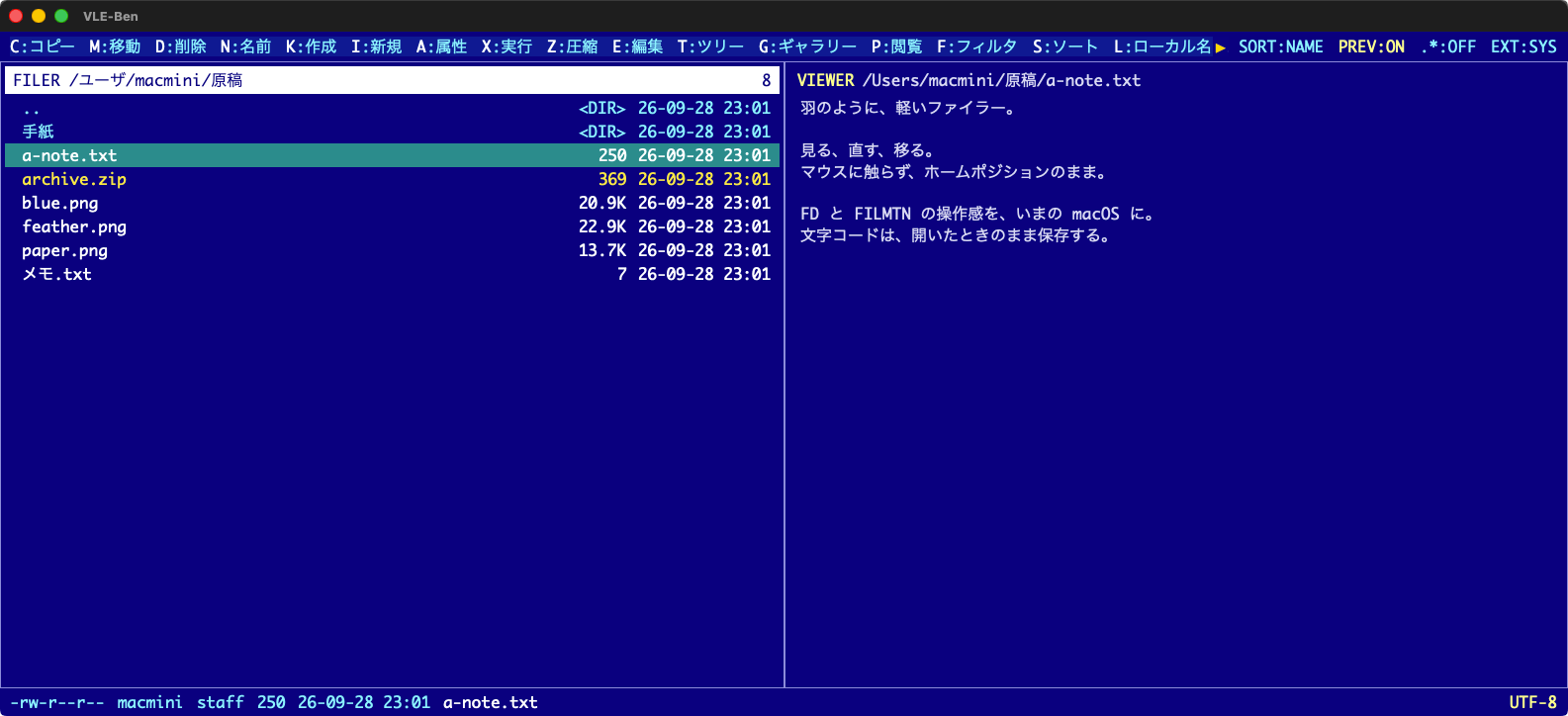
Shift + 1 through Shift + 4, the editor, and FTP. The same row of keys.
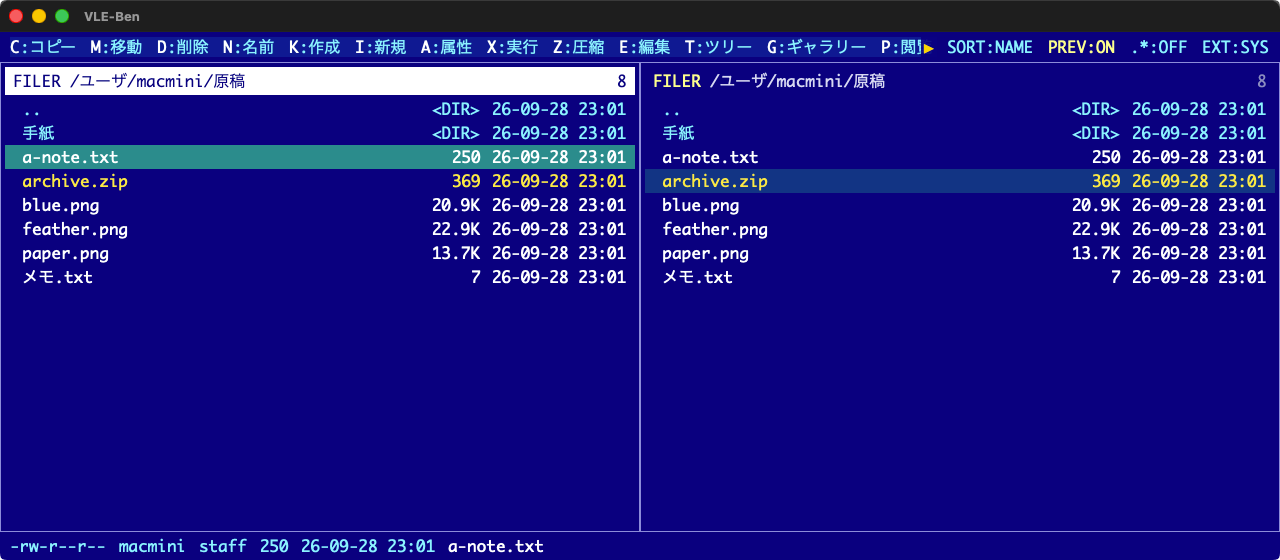
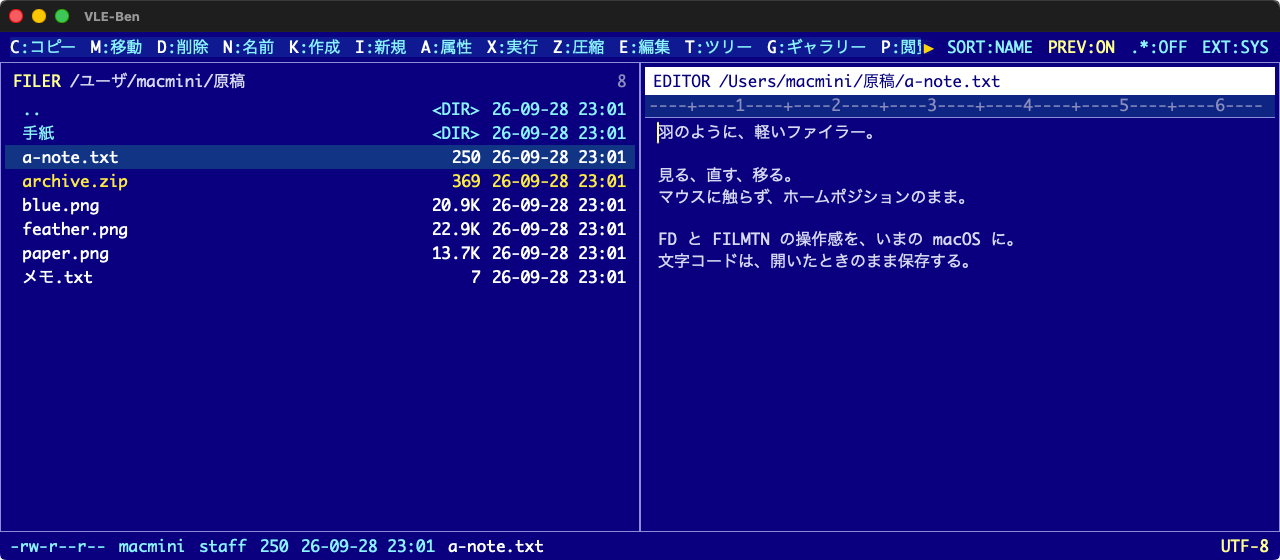
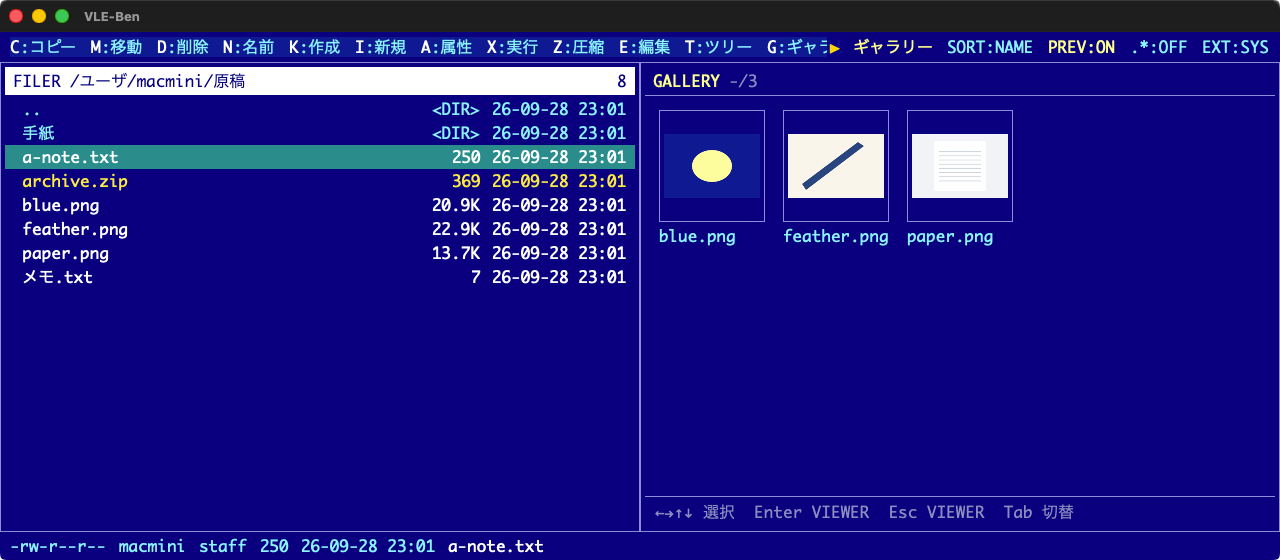
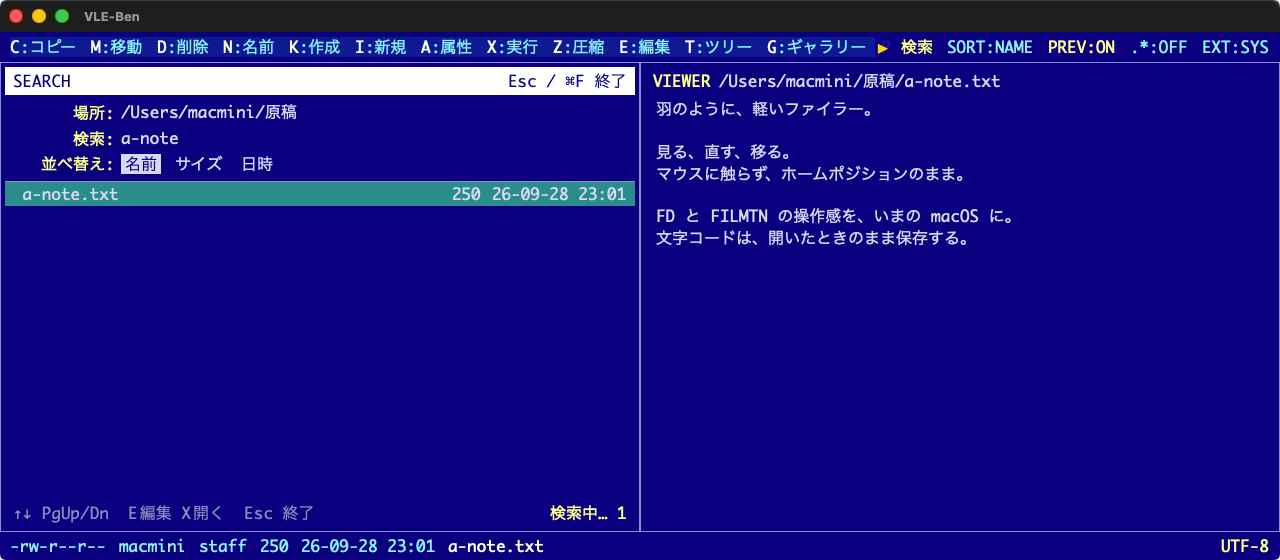
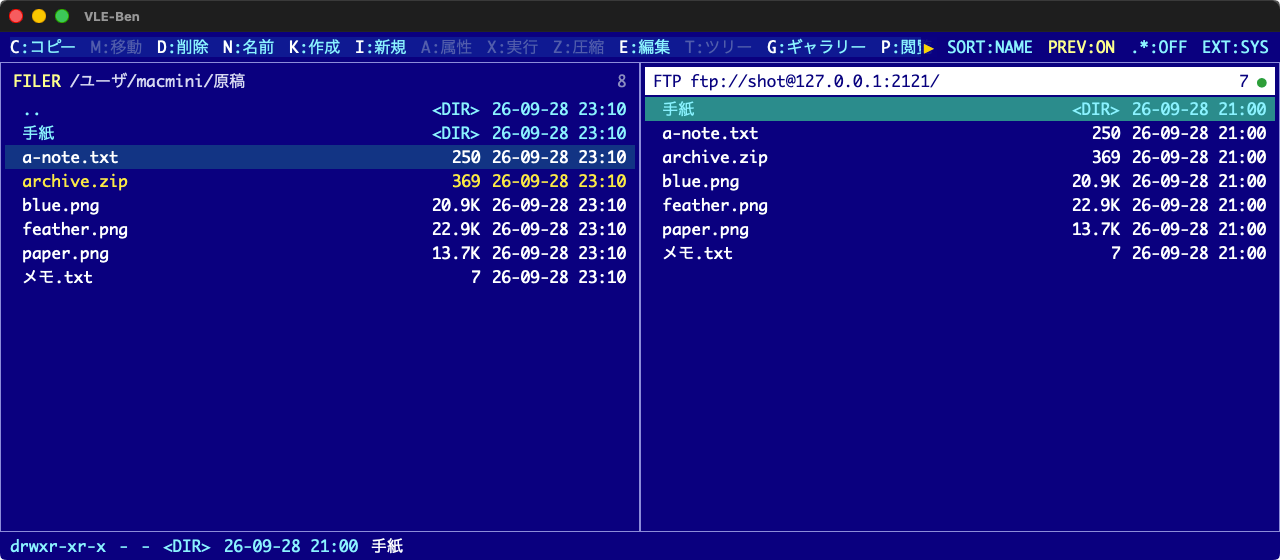
The list, copy, move, preview, and edit. A blue monospace screen, and you never take your hands off the keyboard. Previews use what macOS already provides, so the app stays light. FTP uses the same keys.
Turn always-on preview on, and text, images, PDF, and video follow the cursor on the right. The gallery lines up thumbnails so you can flip through them.
Fix text without leaving the filer, then save it back to the same file.
Mark with Space or a wildcard, then copy, move, or delete. Across to the other pane, or to a path you type.
Open zip, tar, and tgz the way you open a folder. The archive stays packed. You get the list inside.
Search names and contents under the open folder. Preview a hit, leave a mark, and tidy up.
A jump list, a startup folder, home, and volumes. The tree shows the hierarchy on the way in.
Plain dialogs. Language follows the system, or you pick Japanese or English. Colors are blue, black, and white.
Not a throwback.
A tool for macOS now.
The file appears in the right pane the moment you select it. Skipping that second Enter is quietly fast.
Edit the text where you are, then save it back. You don’t hand the file to another app.
Zip and tar open like folders. You walk in. You don’t unpack the whole archive first.
A blue screen and a monospace font. It looks that way on purpose.
The feel of a classic DOS filer, pointed at what macOS can already do. Drawing and search stay outside the app, so the app itself stays light.
zip, tar, and tgz open as if they were folders. The whole archive is not unpacked. You see the list, and only the file you open is read.
Make an empty file in the folder you are in. Handy when you just want to start writing.
The app asks Spotlight’s index, limited to the folder you chose. It does not walk every file, so it feels quick. A result previews in place.
Images and video have their own view. PDF and Office files go to Quick Look. The app does not take on heavy document drawing, so it stays light and the page still looks right.
FTP is here too. The connection stays light. Folders and files move with the same keys.
Blue, monospace, plain dialogs. A Universal binary for macOS 12 or later.
VLE is Visual Lightweight Explorer. Ben is Browse, Edit, Navigate. Look, edit, and move on, from a light screen, with the keyboard.